Windows10でSpotifyが勝手に起動するようになった時の対策
2022年10月5日
Spotifyのアンインストール方法
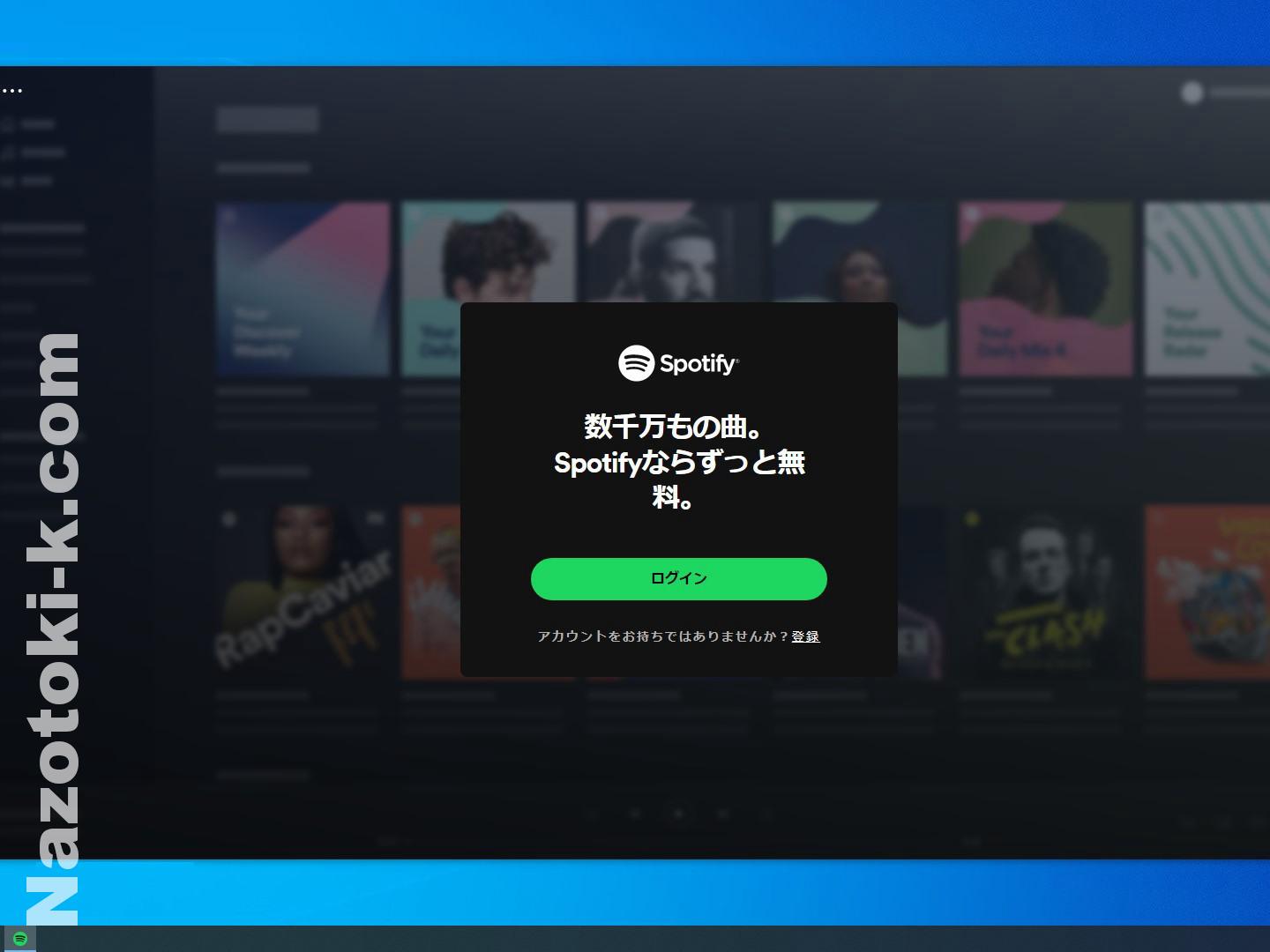
デスクトップパソコンを立ち上げると勝手にSpotifyが起動するようになりました。不要なのでアンインストールします。
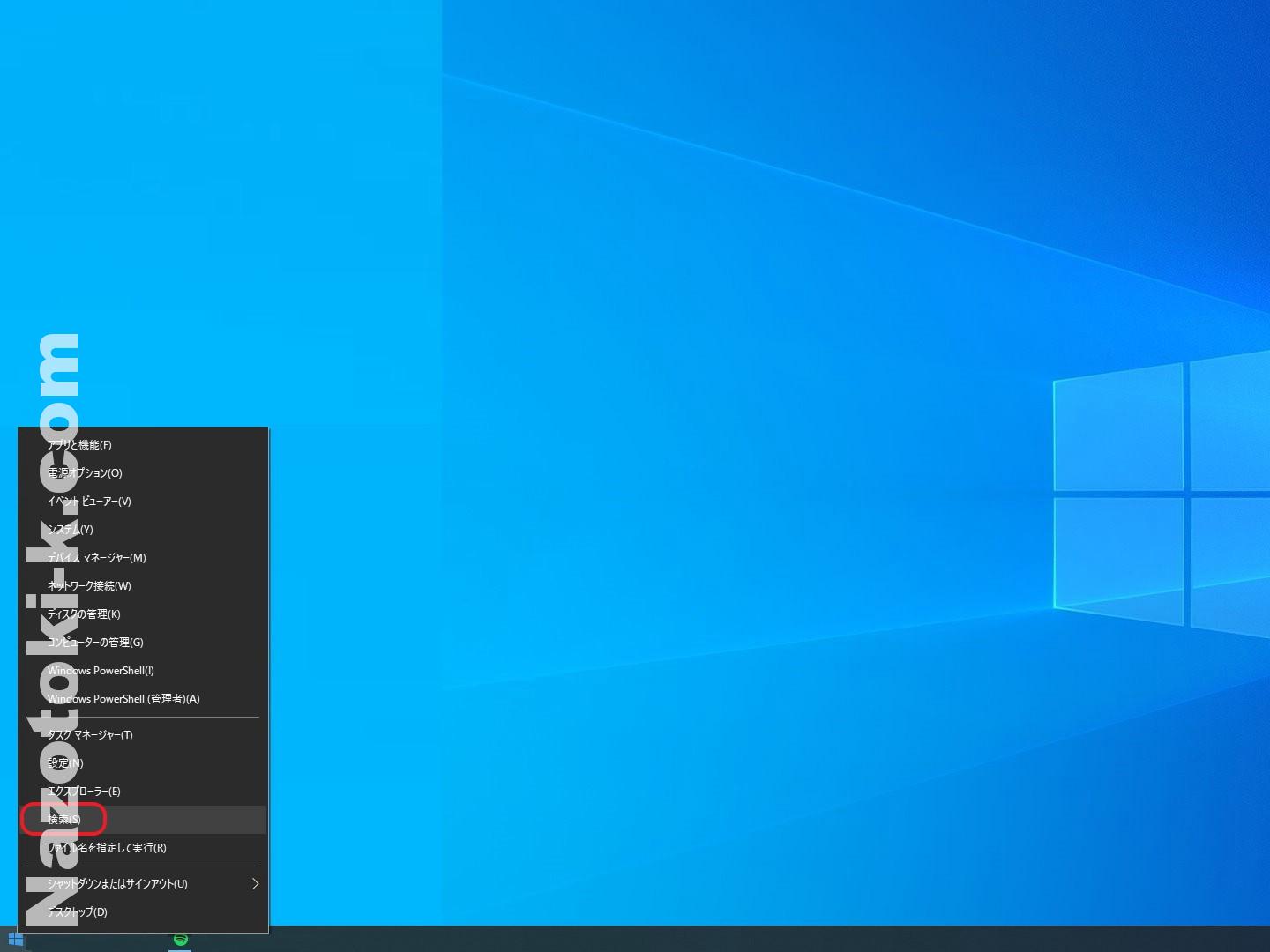
画面左下のWindowsマークを右クリックして検索をクリック。

検索窓に「Spotify」と入力しアンインストールをクリック。
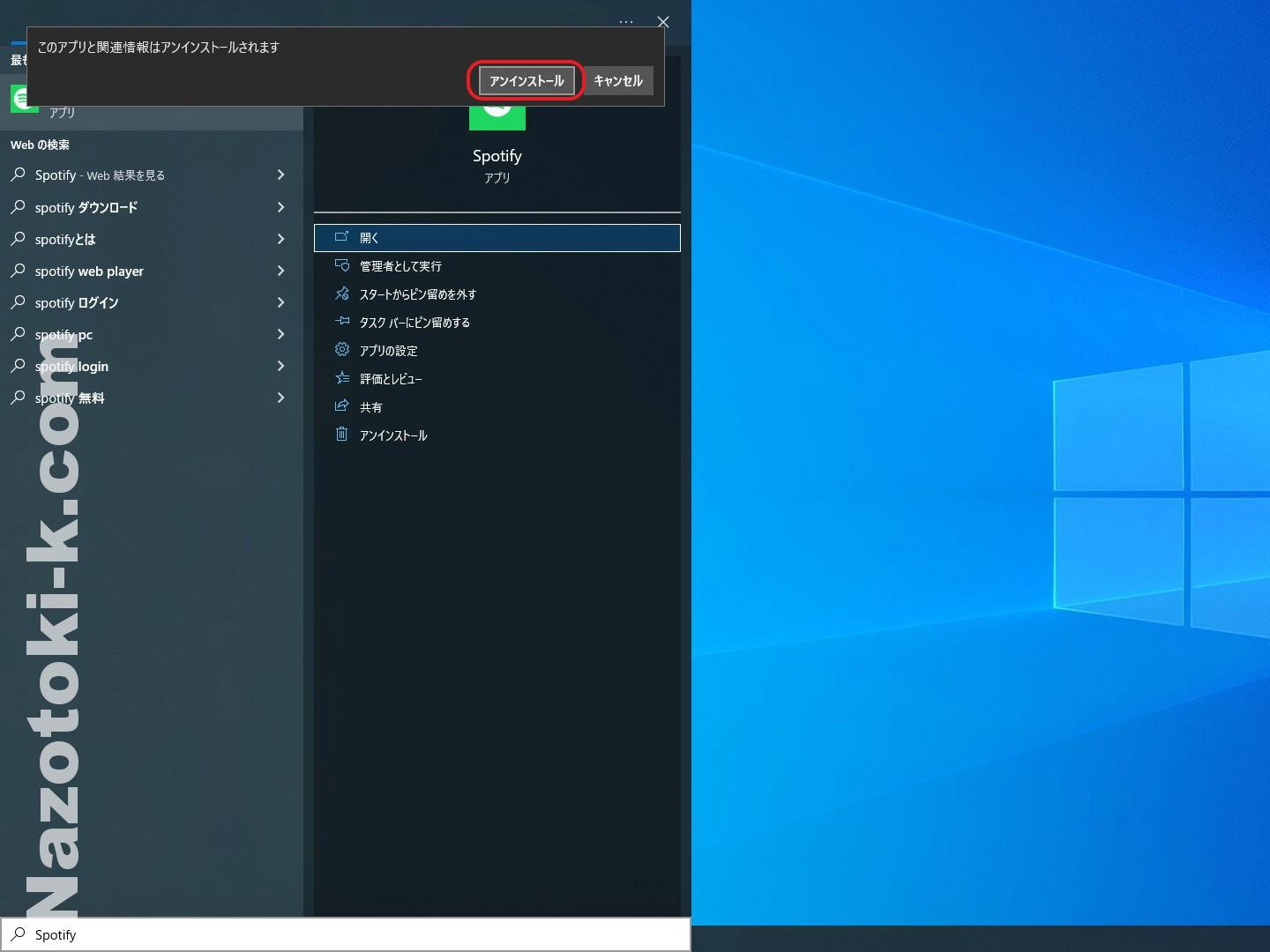
「このアプリと関連情報はアンインストールされます」と表示されるので確認のうえアンインストールをクリック。
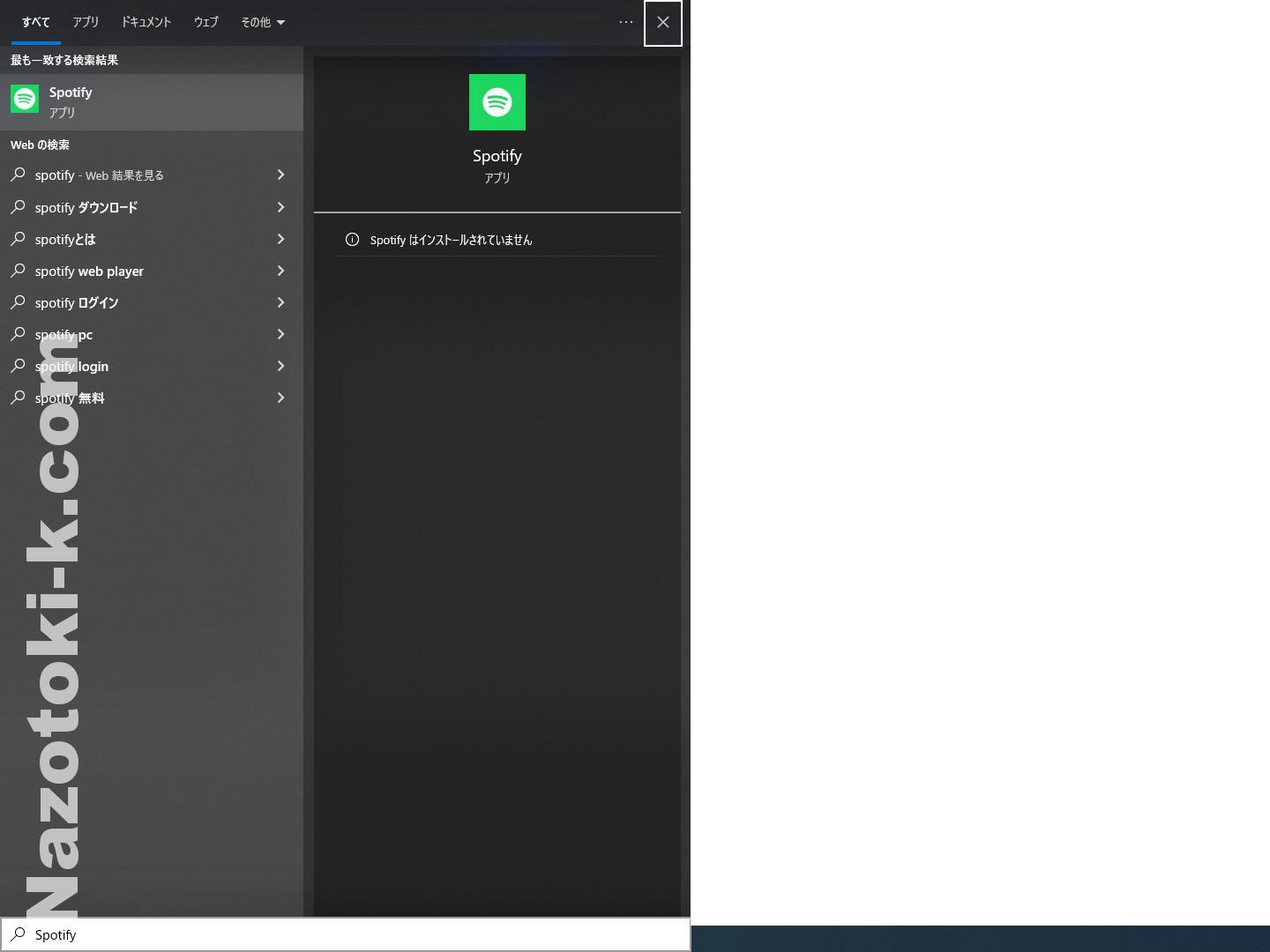
「Spotifyはインストールされていません」と表示されればOKです。

- nazotoki
- 2025-02-05 千葉県 佐倉市 ザ・スパイスクラブ 2025年5月2日
- 2025-01-19 新日本プロレス 佐倉大会 Wrestling Life 40周年 永田裕志Produce Blue Justice XV ~青義出立~ 2025年4月15日
- 2025-01-15 かぶら屋 船橋競馬場駅前店 2025年4月15日
- 2025-01-04 佐倉市の居酒屋 結楽 2025年4月15日
- 2024-12-21 20年ぶりにフォーミュランド・ラー飯能に行って来た ※レンタル走行の営業は休止になります 2025年4月15日